Internal Linking Strategy for Topic Clusters
How to plan internal links for topic clusters: up, down and sideways links, anchor text Google recommends, link depth, and how to find and fix orphan pages.
An internal linking strategy for topic clusters is a short set of rules for which pages link where: every cluster page links up to its pillar, the pillar links down to every cluster page, and cluster pages link sideways only where a reader needs the next answer. The link text names the target page in plain words.
A cluster without links is a pile of posts. The links are what turn a pillar and its supporting pages into one connected topic that people can move through and Google can map. This guide covers what internal links tell Google, the three link types inside a cluster, anchor text, link depth, orphan pages and how to fix links on a site that already has a hundred posts. It sits under the semantic SEO pillar, and it assumes you have a plan from a topical map and a structure from pillar pages and topic clusters on WordPress.
What do internal links tell Google?
They tell Google which pages exist, which pages are related, and what each linked page is about.
Discovery comes first. Google's SEO starter guide says "the vast majority of the new pages Google finds every day are through links." Its sitemap documentation describes a site that is "comprehensively linked internally" as one where "Googlebot can find all the important pages on your site by following links starting from the home page." A sitemap helps on top of that, but it doesn't replace links.
Meaning comes second. Google's link best practices say that paying attention to the anchor text of internal links "can help both people and Google make sense of your site more easily and find other pages on your site." The same page sets the one rule that matters most for clusters: "Every page you care about should have a link from at least one other page on your site."
Google only follows links it can parse, which means an <a> element with an href. Links that JavaScript inserts as normal <a href> markup are fine. Links that only work through a click handler are not reliably followed, so check page builder buttons and fancy menus.
What are up, sideways and down links?
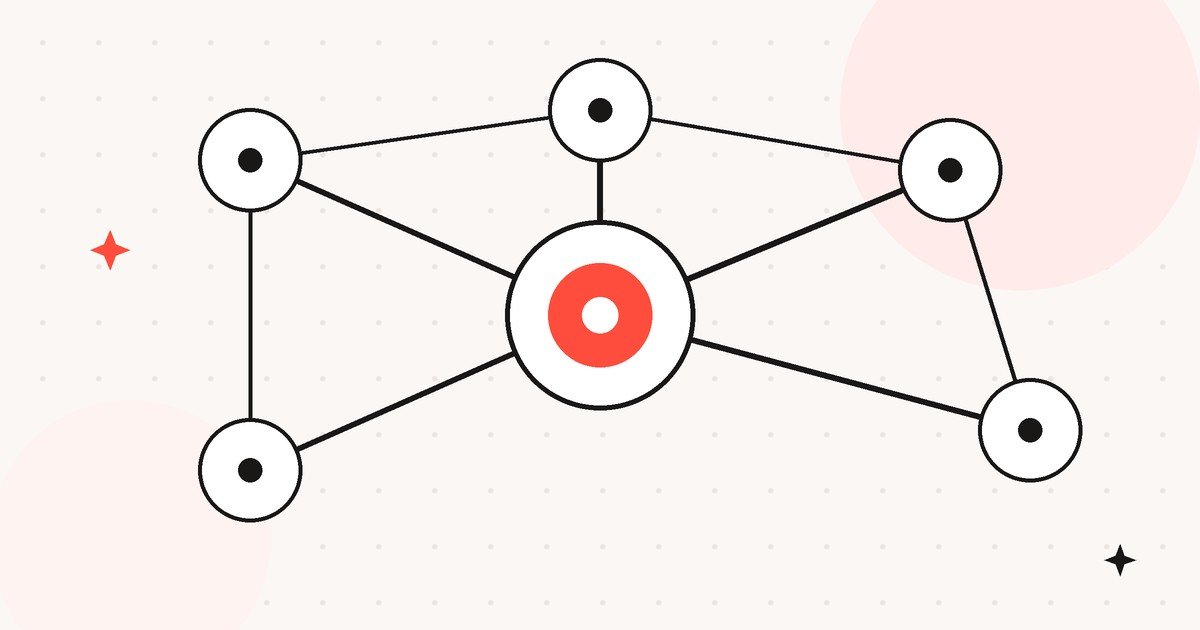
Up links go from a cluster page to its pillar, down links go from the pillar to each cluster page, and sideways links join two cluster pages that answer neighbouring questions.
Here is the pattern for an example clinic, Bright Smile Dental in Ludhiana, with a pillar called the root canal treatment guide and five cluster posts under it.
| Link | Where in the text | Example anchor |
|---|---|---|
| Up: cluster post to pillar | First two paragraphs | our root canal treatment guide |
| Down: pillar to each cluster post | Where the subtopic comes up | what a root canal costs in Ludhiana |
| Sideways: post to a sibling post | Where the next question arises | whether you need a crown afterwards |
| Out: to a service or booking page | After the answer, once | book a consultation |
The up link is the one most sites forget. A reader who lands on the recovery post from Google has a narrow question. One sentence near the top, with a link to the full guide, gives them the rest. On the pillar, put each down link where that subtopic comes up in the text. A list of all cluster posts at the end is a good backup, and it keeps the pillar complete when you add new posts.
Sideways links need a reason. The test I use: would someone reading this paragraph want that other page next? Cost and the crown that often follows a root canal pass that test. Cost and recovery time usually don't. Linking every cluster post to every other one turns the cluster into a tangle, and the links stop meaning anything.
The before picture is common on small business blogs. Posts get published, the blog archive links to the newest ones, and older posts drop off the archive's first page with nothing else pointing to them. The after picture takes about an hour to build for one cluster of six pages.
How should you write anchor text?
Write anchor text that names the page it opens, in a few plain words, inside a sentence that explains why the link is there.
Google's wording is that good anchor text "is descriptive, reasonably concise, and relevant to the page that it's on and to the page it links to." It also warns about four habits. Generic text like "click here" or "read more" tells nobody anything. Very long anchors should be trimmed. Keywords shouldn't be forced in: "If it feels like you're forcing keywords into the anchor text, then it's probably too much." And links shouldn't be chained next to each other, because "you lose surrounding text for each link."
| Weak anchor | Problem | Better |
|---|---|---|
| Click here to read more | Says nothing about the page it opens | how long root canal recovery takes |
| root canal cost Ludhiana best price root canal | Keywords crammed in, reads badly | what a root canal costs in Ludhiana |
| if you want to know about all the things that can happen to your tooth after the treatment | Weirdly long, to borrow Google's phrase | what happens to the tooth afterwards |
| root canal | cost | steps (three links side by side) | Chained links with no text around them | One link per sentence, with the sentence explaining it |
Varied anchor text follows from writing naturally. On the pillar you might link the cost post as "what a root canal costs in Ludhiana". From the crown post you might write "the full cost breakdown". Both are clear, and neither reads like a keyword list. Google adds that "the words before and after links matter," so the sentence around the link does half the work.
A quick self-check from the same Google page: read only the anchor text, out of context, and ask whether it is specific enough to tell you what opens.
How deep should a cluster page sit?
Close to the top. I aim for every cluster post to be reachable in three clicks from the home page: home, then the category or pillar, then the post.
That three-click figure is my working rule. Google doesn't publish a depth limit. What Google does say is that a well-linked site lets Googlebot reach every important page by following links from the home page, and that on large sites it gets harder to make sure every page is linked from at least one other page. Depth is how that problem shows up in practice. Posts that sit at page nine of a blog archive are technically linked, and practically lost.
Three things keep depth shallow on a small site:
- Link each pillar from the main menu or from the service page it supports.
- Give each category archive a short introduction that links to the pillar first.
- Use breadcrumbs, so every post links back up to its category. The WordPress SEO checklist covers the settings.
As for how many links a page should have, Google's answer is "There's no magical ideal number of links a given page should contain. However, if you think it's too much, then it probably is."
How do you find orphan pages?
Compare the URLs in your XML sitemap with the URLs a crawler finds by following links from the home page. Anything in the sitemap that the crawl never reached has no internal links pointing to it.
The Screaming Frog SEO Spider crawls up to 500 URLs in one crawl on its free version, which covers most small business sites. Export the crawl, export your sitemap URLs, paste both into a sheet and look for the gaps.
Search Console helps from the other side. Its Links report has an internal links table that shows which of your pages are linked the most from within your own site, and you can select a URL to see which pages link to it. Google notes that the tables are limited to 1,000 rows, so on bigger sites the list can be cut short. Pages near the bottom of that table, or missing from it, are the ones to check first. The rest of the report is explained in Search Console for business owners.
Once you have the list, decide page by page. An orphan that answers a real question in a cluster gets an up link to its pillar and a down link from it. An orphan that duplicates another page, or that nobody needs, is a candidate to merge or retire, which is the same decision covered in content decay.
How do you fix internal links on a site that already has 100 posts?
Work one cluster at a time: map which posts belong to which pillar, fix the pillar first, then add the up link to every post in that cluster, and only then look at sideways links.
- Export every published post URL and title into a sheet.
- Add a column for the pillar each post belongs to. Use your topical map if you have one. Posts that fit no pillar get their own column for later.
- Open the pillar and add a link to each cluster post where its subtopic comes up, plus a short list at the end.
- Open each cluster post and add one up link to the pillar in the first two paragraphs.
- Add sideways links only where the reader test passes. One or two per post is normal.
- Check the orphan list again, then move to the next cluster.
Two shortcuts that look tempting and don't help much: a sitewide footer block with dozens of links, which says nothing about any single post, and linking every mention of a phrase automatically, which floods the text with links. A related posts plugin is fine as an extra, but it picks by tags or words and can skip the pillar.
I co-founded wptaskify, so weigh this with that in mind. If your WordPress site is connected to it, Claude or ChatGPT can list the posts that no other page links to and suggest internal links between a pillar and its cluster posts, which you then approve one by one. The background is in AI for WordPress. The manual method above works too, and for one cluster it takes about an hour.
Internal linking checklist
Questions people ask
How many internal links should a page have?
Google says there is no magical ideal number of links a page should contain, and that if you think it is too much, it probably is. In a cluster, the fixed links are one up to the pillar and, on the pillar, one down to each cluster page. Add sideways links only where they help the reader.
Should internal links use exact-match keywords?
Sometimes, when that is the natural way to name the page. Google warns against cramming keywords into anchor text, so vary the wording and write the link as part of a normal sentence.
Do links in menus and footers count?
They are crawlable links like any other, and they help people find the main sections. They can't say much about a single post, though, so the links that explain a cluster belong in the body text.
Should I nofollow internal links?
No. Google suggests nofollow for links to sources you don't trust, and for paid or user-generated links. Your own pages need normal links so Google can follow them.
What is an orphan page?
A page that no other page on your site links to. Google can still find it through a sitemap, but readers can't reach it by clicking, and you have given no sign of how it fits the rest of the site.
Do related posts plugins replace manual internal links?
They add useful links at the end of a post, but they pick by tags or words, so they can miss the pillar. Treat them as extra links on top of the up and down links you place by hand.
Related
Sources
Read next
Our wptaskify team takes repeat work off your hands with AI and helps more customers find you on Google, Maps and in AI answers.